




Vention Blogs
Simple stories about technology designed for daily life
Blog & News
- 0 comments
- by LilingYu
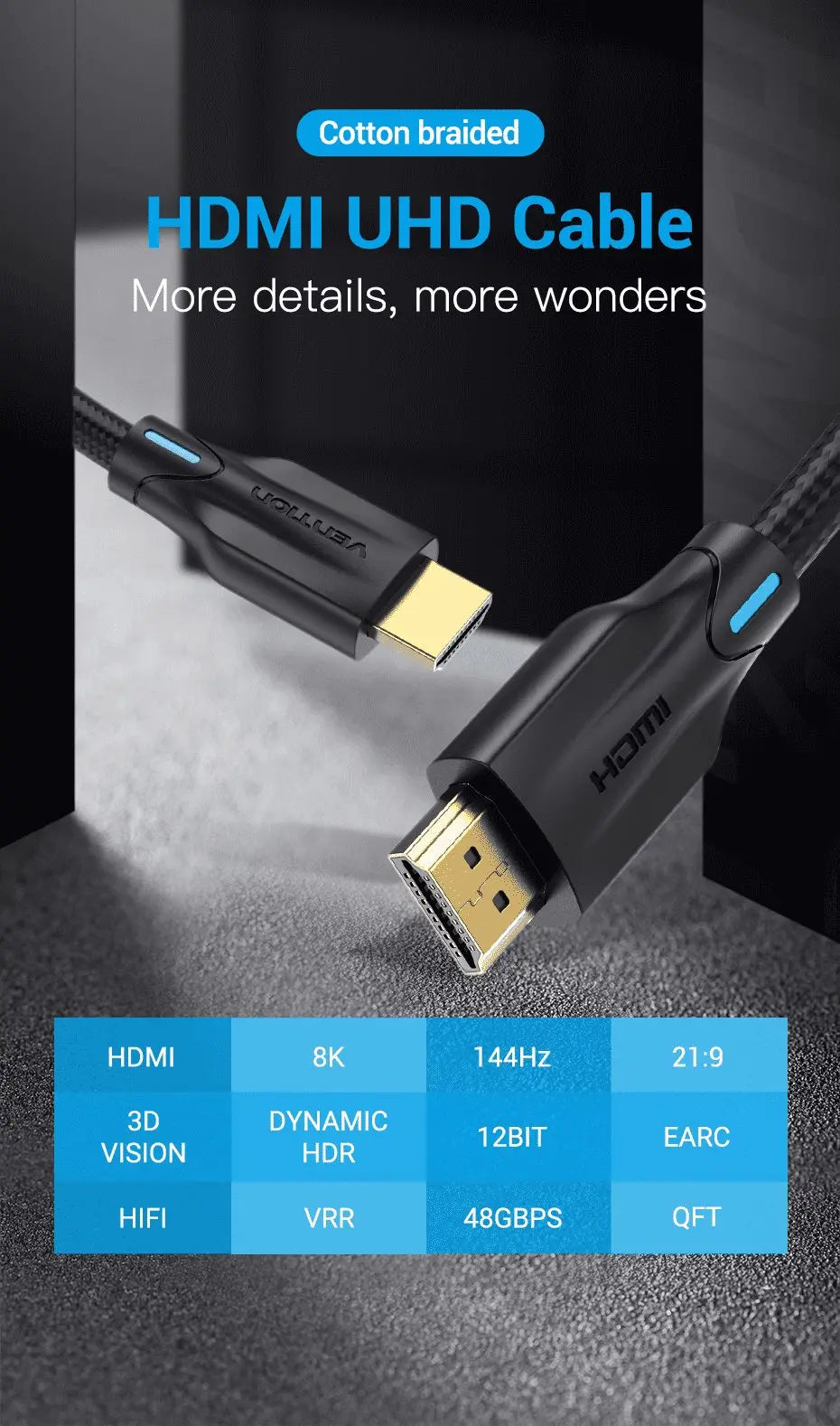
HDMI is the abbreviation for High Definition Multimedia Interface, a digital video/audio interface technology. HDMI cable is the abbreviation for the connection cable between multiple high definition multimedia, which can transmit uncompressed high definition video and multi-channel audio data in high quality. HDMI cable mainly transmits digital signals, the quality...
- 0 comments
- by LilingYu
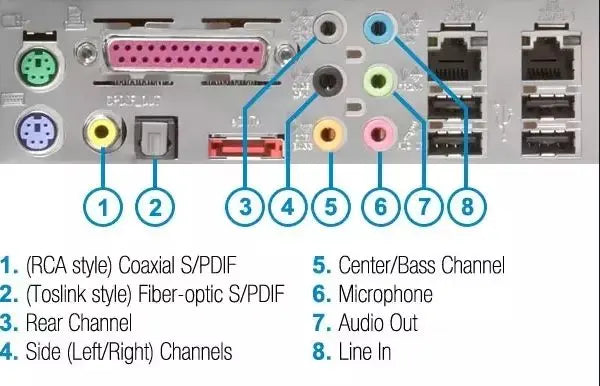
Explore various slots on motherboard
PS/2 keyboard and mouse slots PS/2 is one of the interfaces?used for mice, keyboards, etc. In the early time. In general, the PS/2 interface is green for the mouse and purple for the keyboard. If it is two colors, then it means that the mouse and keyboard can both be...

- 0 comments
- by LilingYu
Resolution is basic element to intuitively evaluate the quality of video and the performance of the display devices. This parameter general represents the definition of the picture and how many details one devices could provide to viewers. Resolution is a parameter which defines the precision of the video. As we...
- 0 comments
- by LilingYu
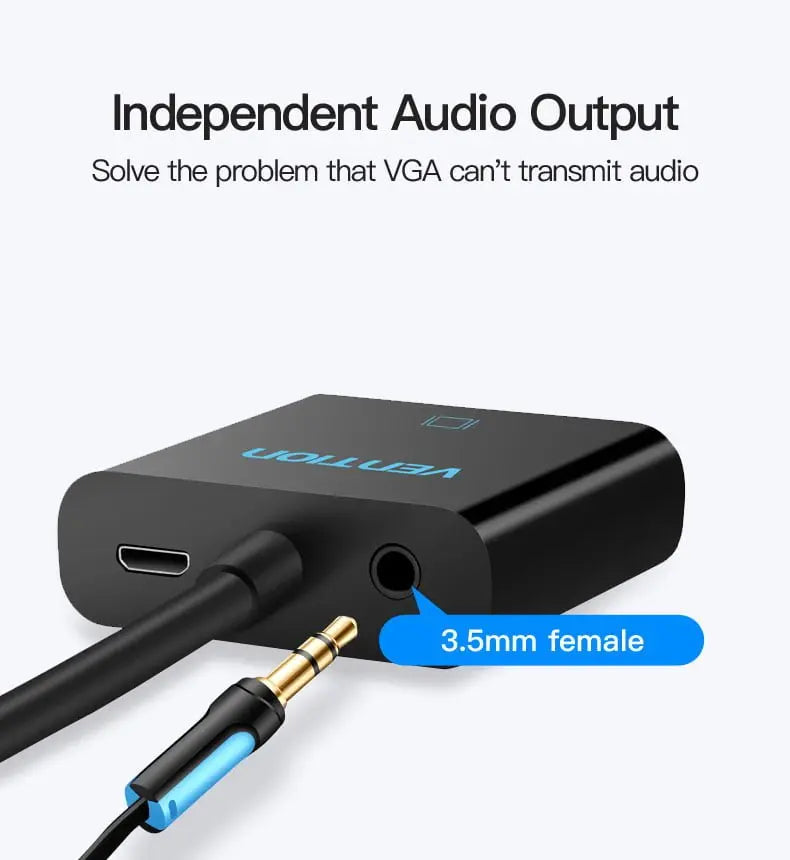
What is the difference between HDMI to VGA and VGA to HDMI? Can they be used interchangeably?
We will further discuss the relationship between HDMI and VGA. When connecting a signal source to a display device, if the interface is the same, you can directly purchase a cable to connect, but what if the interface is different? For example, what if the source is HDMI and the...
- 0 comments
- by LilingYu
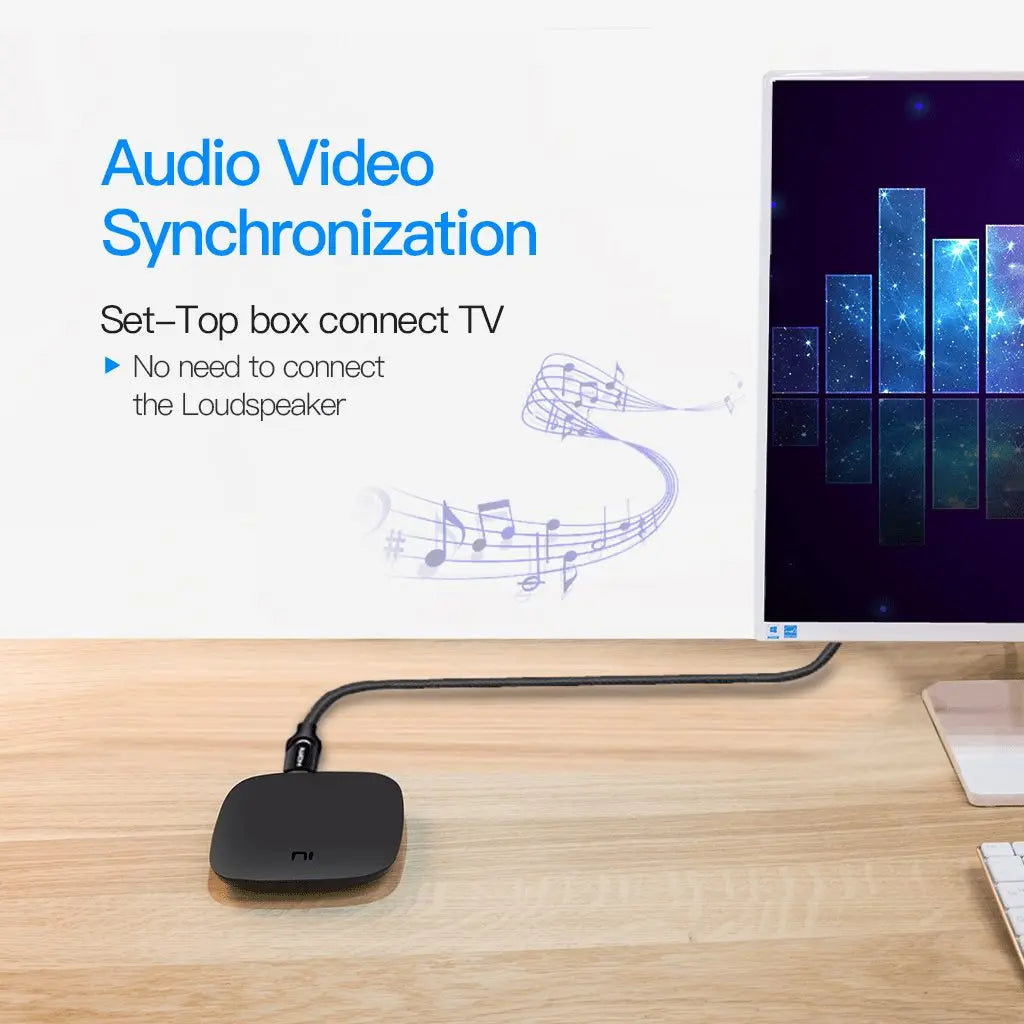
What is the merits and drawbacks between analog signal and digital signal?
We've all known that VGA interface adopted the analog signal whereas HMDI interface uses digital signal for transmission. So what are the relative advantages and disadvantages between these two types of signals? 1. Analog Signals The advantages of analog signals are intuitive and easy to implement, but there are two...
- 0 comments
- by LilingYu
What are differences between lightning and USB Type-C
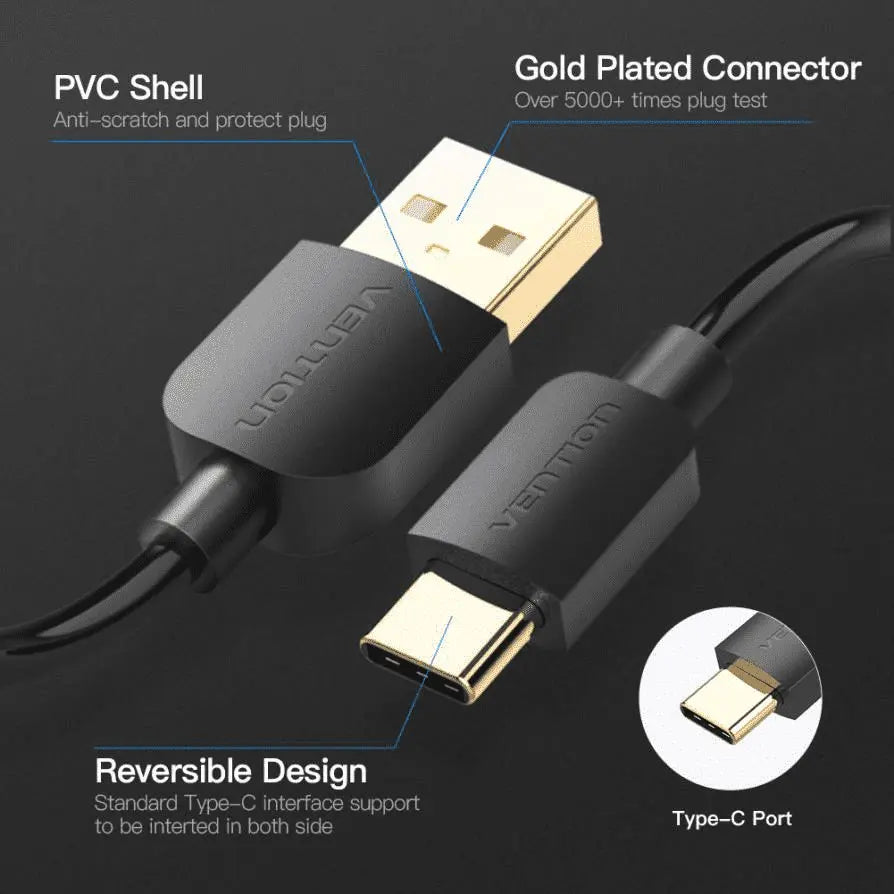
2020 is the eighth year of Apple��s adoption of lightning interface. It is also the sixth year of USB Type-C interface��s publication. These two types of the products has been designed to replace the former generation of the interface: Apple��s dock interface and most android phones�� Micro-USB interface. Years of...
- 0 comments
- by LilingYu
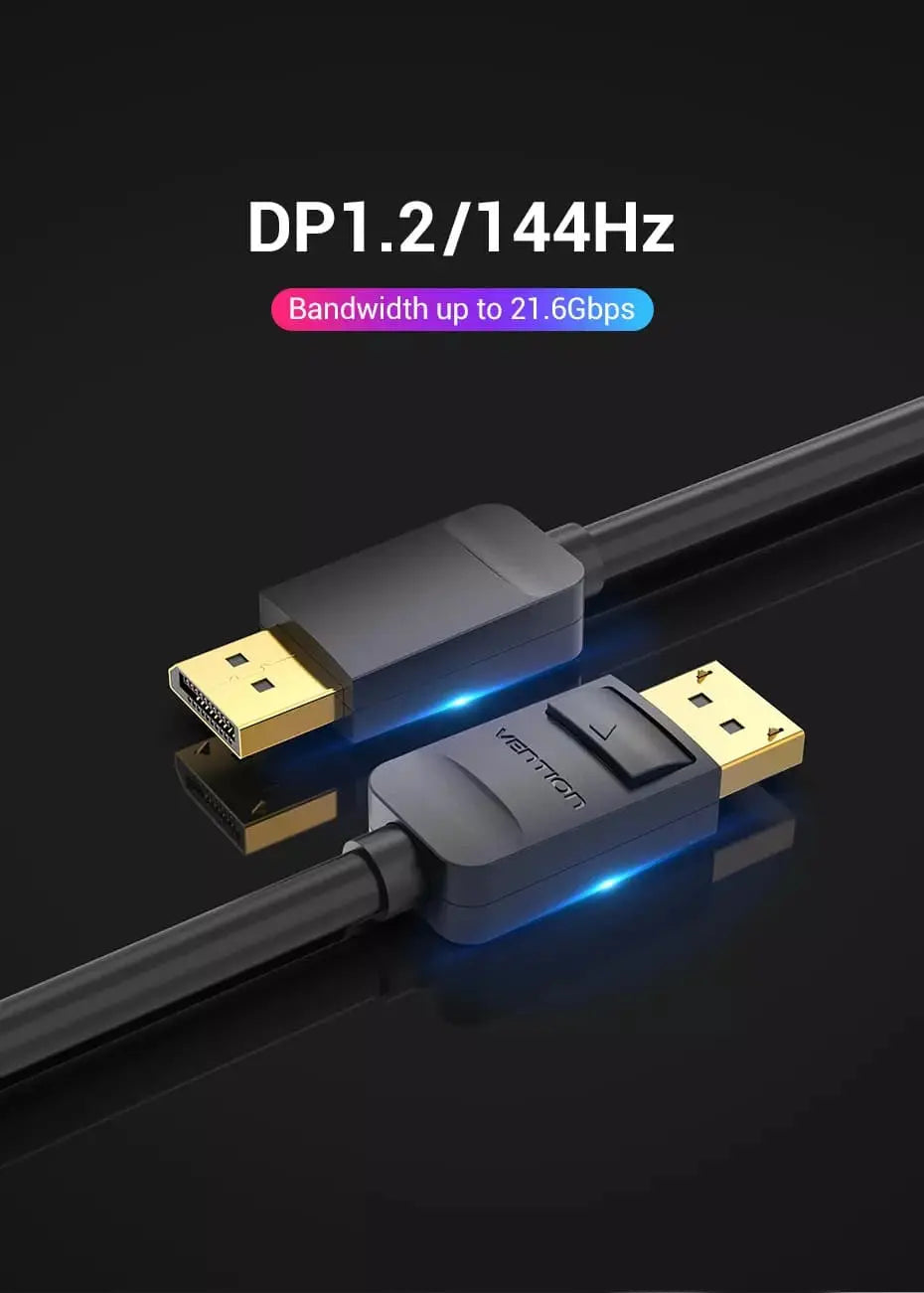
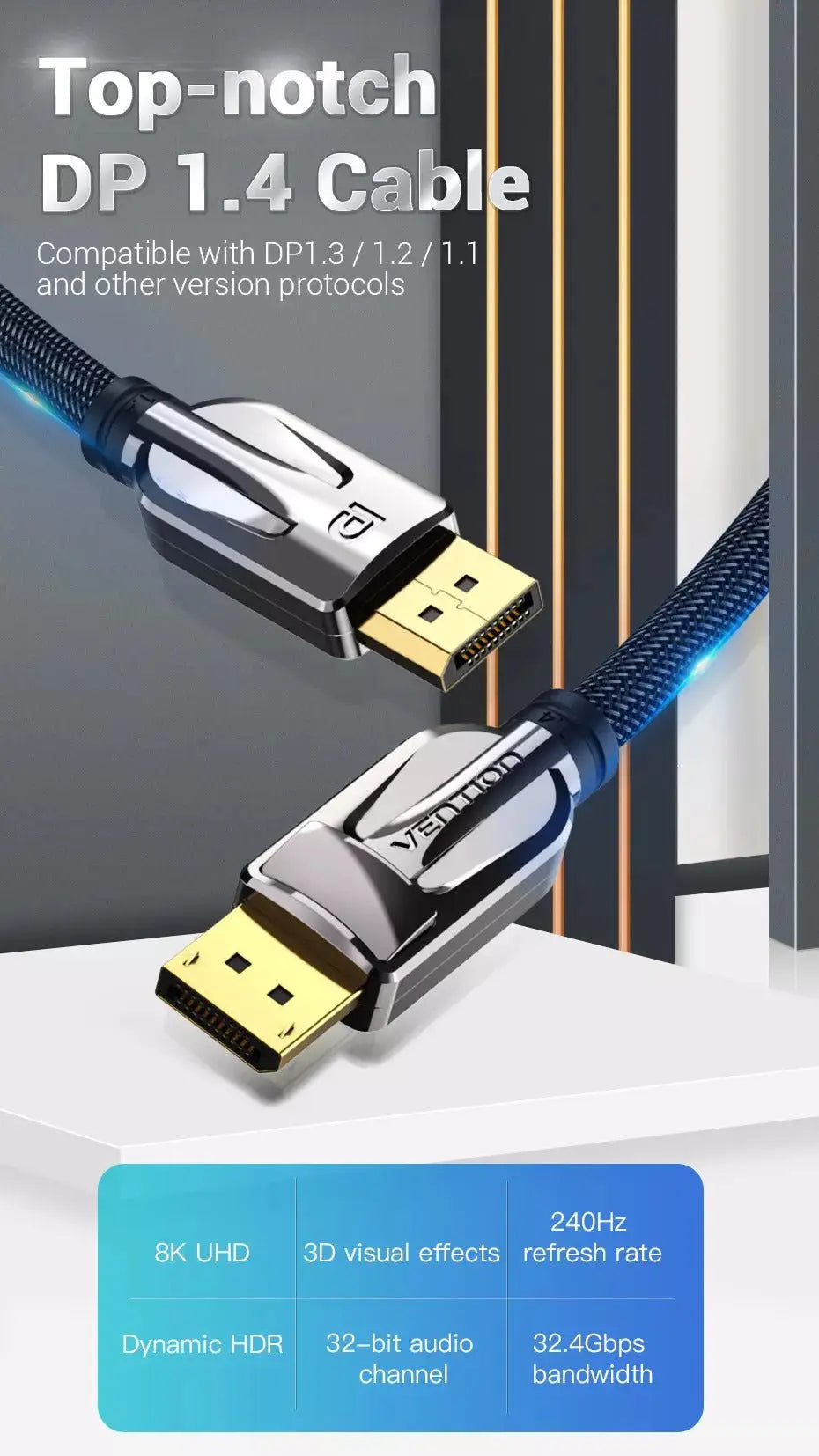
3. 第三个关键因素是不同版本的DP线缆。目前,市场上主要有两种DP线缆,分别是DP 1.2和DP 1.4。相比之下,DP 1.4是最新版本的DP线缆,具有更高的带宽(32.4 Gbps)和更广泛的分辨率兼容性(最高可达……)等优点。 4K@144Hz and 8K@60Hz另一方面,旧版本的DP 1.2仅支持2K 144Hz。 2K@165Hz and 4K@60Hz supp已修复。 然而,DP 1.2 和 DP 1.4 之间也存在显著的价格差距。如果您只打算购买低于 DP 1.4 标准的硬件,那么 DP 1.2 和 DP 1.4 的价格差距可能较大。 4K@60Hz or 如果您对目前的硬件配置感到满意,并且近期没有升级硬件的计划,那么DP 1.2对您来说远远超出了需求。毕竟,大多数普通硬件用户都不需要DP 1.2。 8K@60Hz or 4K@120Hz visu这些视觉效果也超越了目前大多数图形处理器的性能。然而,如果读者中有一位是追求极致刷新率和超高分辨率的重度电竞玩家,那么一款优秀的图形处理器就应该搭配一条带宽更高的线缆,例如 DP 1.4 或 HDMI 2.1。 4. 本文最后一部分将展望DP 2.0。2019年6月26日,VESA正式发布了DP 2.0接口。理论上,其有效载荷可达77.37Gbps,几乎是上一版本的三倍。此外,DP 2.0还支持USB Type-C接口。新发布的DP...
- 0 comments
- by LilingYu
在我们日常的游戏和影音使用中,随着GPU硬件和拍摄技术的飞速发展,2020年发布的PS5和Xbox Series X目前已能输出4K/120Hz的画面,而英伟达近期推出的RTX 3090显卡更是能输出8K画面。这一趋势使得老款HDMI接口的处境变得不利。例如,一台2K分辨率、165Hz刷新率的显示器,如果通过HDMI 1.4接口连接,在sRGB色域下只能以2K分辨率、75Hz刷新率显示画面。只有DP 1.4和HDMI 2.1接口才能满足这种级别的画面输出需求。 因此,我们在此提供一些选择技巧。 DP线缆 满足某人的游戏或电影需求。 首先,DP接口有两种类型。标准DP接口的大小与USB接口相仿,通常用于支持DP接口的PC显示器。更小的迷你DP接口主要设计用于笔记本电脑,包括苹果产品。这其中也包括广泛用于苹果产品的Thunderbolt接口。您可以使用标准DP线缆将任何DP显示器连接到Thunderbolt设备。因此,首要任务是检查您设备的DP接口类型。如果DP接口类型选择错误,您将无法将电脑与显示器连接。 其次,除了接口类型之外,线缆的长度和材质也需要考虑。较长的线缆可以延长传输距离,但过长的线缆会导致信号质量下降。因此,我们应该事先测量两台设备之间的距离,以免造成不必要的浪费。此外,一些DP线缆销售商可能会推荐价格昂贵的DP线缆,声称它可以提高数据传输质量。但实际上,昂贵的DP线缆并不一定能带来更好的图像质量。与上一代视频接口不同,考虑到DP采用的是分组数据传输(USB和PCI Express也采用这种传输方式),更昂贵的线缆并不能带来“更好”的图像或其他方面的提升。劣质线缆甚至会导致数据错误,严重损坏视频或音频信号。因此,确保DP线缆的材质能够满足用户日常工作环境的需求,也是我们选择DP线缆时需要考虑的重要因素。
- 0 comments
- by LilingYu
What is the longest transmission distance of the VGA cable
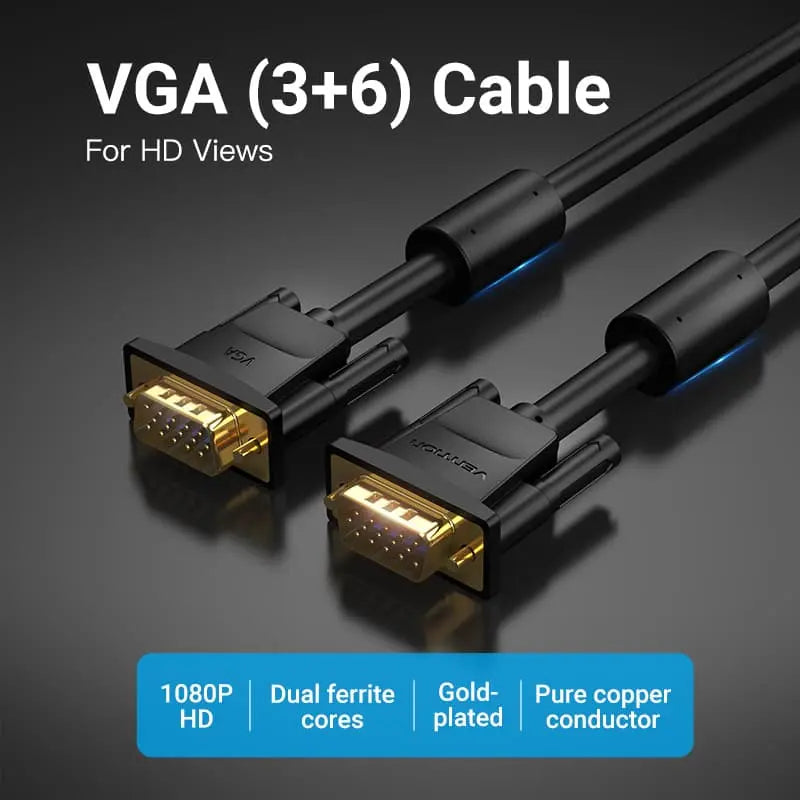
The history of the VGA interface can be traced back to 1987. The blue plug is generally used, and it is also the most recognizable interface. The VGA interface has 3 rows of pins, 5 in each row, totaling 15 pins. Our childhood memories---Big head monitors use VGA ports. The...